Quick Answer
A pre-save lets fans save your unreleased song to their library before release day — on Spotify it is a pre-save, on Apple Music a pre-add. When the track goes live it appears in every pre-saver's library and Release Radar automatically, concentrating saves and streams into the first 24–48 hours, when Spotify's algorithm is forming its first impression. Launch the campaign 3–4 weeks before release, build the link with your distributor's page or a free smart-link tool like Feature.fm, and email your pre-savers on release day so the saves turn into actual streams.
Key Takeaways
- A pre-save is a fan's permission for a tool to auto-save your unreleased track to their library on release day — on Apple Music it is called a pre-add.
- Pre-saves concentrate saves and streams into the first 24–48 hours, when Spotify's algorithm is forming its first impression — and put the track in every pre-saver's Release Radar.
- Launch 3–4 weeks before release, with final audio, artwork and metadata delivered to your distributor first — a pre-save link cannot exist until platforms have the release.
- Use your distributor's built-in page if it has one, otherwise a free smart-link tool; always add Apple Music alongside Spotify and test the link on your phone.
- The campaign only works if pre-savers actually stream on day one — email them on release day, and never buy fake pre-saves.
A fan hears your 15-second teaser and wants the song the second it drops. A week later they've forgotten the title, your username and the release date. A pre-save closes that gap: a listener commits to your unreleased song today, and on release day it lands in their library automatically — no searching, no remembering, no second chance needed.
What a pre-save actually is
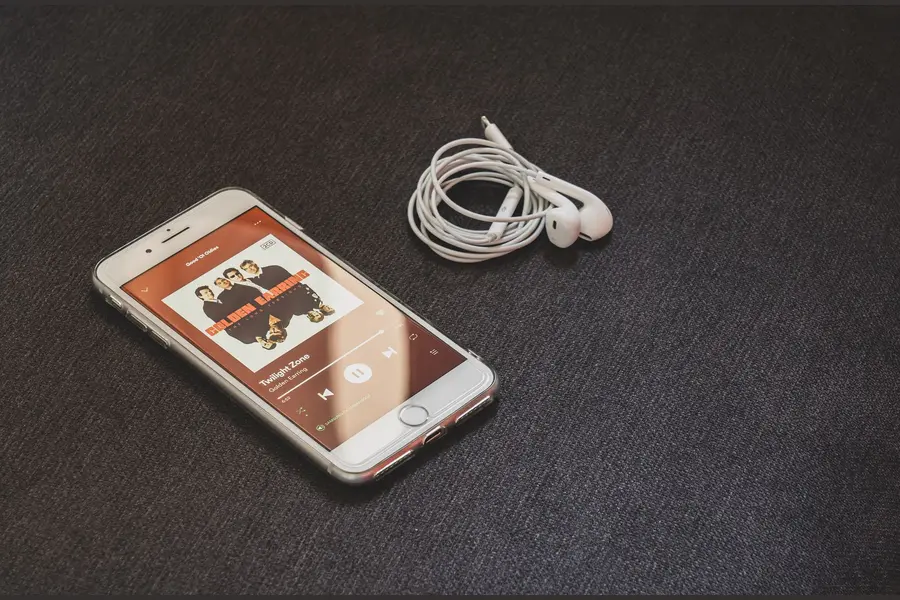
A pre-save is an authorisation, not a save. A fan clicks your link, logs in to Spotify, and grants a third-party tool permission to save your upcoming release to their library on release day. Nothing is saved when they click — the save fires automatically on the date you set.
Spotify does not offer pre-saves inside its own app — the save is performed by a third-party smart-link tool (Feature.fm, ToneDen, Linkfire, Hypeddit) or your distributor's own page, like DistroKid's HyperFollow, using Spotify's authorisation system.
On Apple Music the same idea is called a pre-add. Most tools cover both — plus YouTube Music, Deezer and Amazon Music — on one landing page.
Why pre-saves matter — and what they cannot do
Pre-saves matter because of timing. Spotify's system weighs early engagement heavily: a track that accumulates saves, streams and playlist adds in its first few days gets flagged as high-potential and pushed further. A pre-save compresses your fans' activity into that window instead of letting it trickle in over weeks.
Two signals fire at once on release day. First, immediate library saves — the track appears as a saved item for every pre-saver, and saves are a high-weight engagement signal. Second, Release Radar — the personalised playlist Spotify refreshes every Friday — includes the track for every fan who pre-saved it. Placement you don't have to pitch for.
The effect is measurable, though not guaranteed: campaign data compiled by Chartlex in its 2026 pre-save guide reports tracks with 200+ pre-saves see roughly 40–60% higher first-week inclusion in algorithmic playlists than tracks released cold. But the pre-save itself is not the magic ingredient — the behaviour it triggers is. The pre-saver has to actually press play: if 500 people pre-save and only 80 stream on day one, the algorithm reads the gap as a weak signal. A pre-save campaign is only half the job; the other half is reminding those fans when the song is out.
One honest limit: pre-saves do not find you new listeners — every pre-saver already knew about your release. The campaign converts existing interest into concentrated day-one engagement; it does not create interest from nothing. It pairs with, never replaces, pitching and promotion. If you are pitching Spotify's editors, the pitch must be submitted at least 7 days before release — see our guide on getting your song on Spotify editorial playlists.
What you need before you start
Four things, all final, first:
- A release date 3–4 weeks out. Deliver the track to your distributor first — platforms need the release in their system before a pre-save can work.
- Final audio and artwork. Lock the title and artist spelling now — changes after launch show outdated details to fans who already clicked.
- Your distributor's pre-save details, plus your streaming links. Some distributors generate the link for you; others hand you the identifiers a smart-link tool needs, along with your Spotify artist URI and Apple Music page. Check your distributor's help docs before picking a tool.
How to set up a pre-save campaign, step by step
1. Deliver the release early. Upload the track, artwork and metadata to your distributor with a future release date, at least 3–4 weeks ahead. Skipping this kills the campaign: a pre-save link cannot exist for a release the platforms haven't received.
2. Pick your pre-save tool. If your distributor offers one, start there — usually free and already connected to your release. Otherwise use a dedicated smart-link tool (see below). Create an account, start a campaign, and enter the title, artist name, release date and cover art.
3. Build the landing page. A good pre-save page answers three questions instantly: what is this, when does it come out, and what do I do? Title, artwork and release date up top; one clear pre-save button per platform. If the tool offers email capture, turn it on — it is how you remind pre-savers on release day.
4. Test the whole flow on your phone. Tap the link, complete the authorisation, and confirm it works on Spotify and Apple Music. Most fans open it on mobile — test it there.
5. Put the link everywhere. Bio link, pinned post, Stories with a link sticker, newsletter, every teaser description. Until release day, everything you post points at this one page.
Which pre-save tool should you use?
Every tool does the same core job; they differ on price, email capture and analytics. Prices below are as reported in 2026 guides — verify before you commit.
| Tool | Free tier | Email capture | Starting price (reported) | Best for |
|---|---|---|---|---|
| DistroKid HyperFollow | Yes, for DistroKid users | No | Included with distribution | Simplest if you distribute with DistroKid |
| Feature.fm | Yes, limited | Yes | ~$8/month | Most popular with independents; pre-saves, smart links, email in one |
| ToneDen | Yes, basic | Yes | ~$50/month | Artists running paid ads with the campaign |
| Linkfire | Limited after trial | Yes (paid) | ~$21/month billed yearly | Deep analytics; the choice of most major labels |
| Show.co | Yes | Yes | ~$39/month | Spotify-native; Spotify only, no Apple Music pre-add |
For most independents: use your distributor's built-in page if it has one, otherwise Feature.fm's free tier. Pay only for extras — ad-pixel tracking or analytics across many releases. Albums and EPs can also use Spotify's in-app Countdown Pages, a separate setup.
A 3-week pre-save promotion timeline
| When | What to post |
|---|---|
| Week 1 — announce | Artwork reveal, title and release date; link goes live in your bio. One announcement post per channel plus an email to your list. |
| Week 2 — behind the scenes | Studio footage, the song's story, a snippet of the hook. Remind people the link is in your bio — don't just repost the same graphic. |
| Week 3 — countdown | Daily countdown Stories, a longer snippet, and — budget allowing — a small paid campaign ($100–200 over two weeks can generate hundreds of pre-saves). Email your list again 2–3 days before release. |
| Release day | Email every pre-saver: "it's out, press play." Swap the pre-save page for streaming links so late arrivals land on the live song. |
Release day: don't let the link go stale
The most common pre-save failure is silence on release day. The campaign collected the audience; release day is when you activate it. Email the pre-savers and post the streaming link everywhere the pre-save link was — that first-day listening is what the algorithm measures.
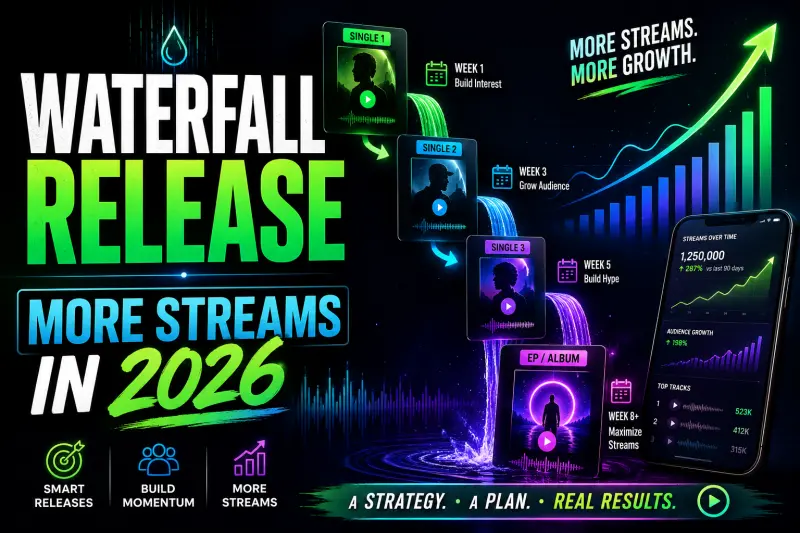
Then measure it: pre-save count, day-one stream rate among pre-savers, Release Radar adds, best channel — and reuse the page for your next single in a waterfall release strategy.
Mistakes that kill pre-save campaigns
- Launching too late. Delivering a week before release leaves no time to promote — deliver 3–4 weeks out, minimum.
- Never testing the link. An authorisation error on a fan's phone is a lost fan — test on mobile first.
- Ignoring Apple Music. A Spotify-only page turns away every Apple Music listener who clicked — the pre-add costs nothing.
- No release-day follow-up. Saves that never become streams hurt your save-to-stream ratio more than they help.
- Buying fake pre-saves. Bot saves are easy for platforms to spot, poison your engagement data, and can get your release flagged.
A pre-save campaign is not a growth hack — it is basic release hygiene: give the fans who already care a one-click way to hear your music on day one, then make sure they do. Done for every release, the compound effect — more day-one saves, more Release Radar placements — is real. Planning your next release? Check Last Play Distro pricing, get your codes in order with our ISRC guide, and keep promoting after release day with our post-release promotion guide.
Release Your Music Globally With Last Play Distro
With Last Play Distro, artists can distribute music globally to 150+ platforms, start on a Free tier where they keep 60% royalties, or upgrade to Premium tiers where they can keep up to 95% royalties.
- Global music distribution for independent artists
- Transparent royalties with plan-based royalty splits
- No fake partner, review, rating, or inflated artist-count claims